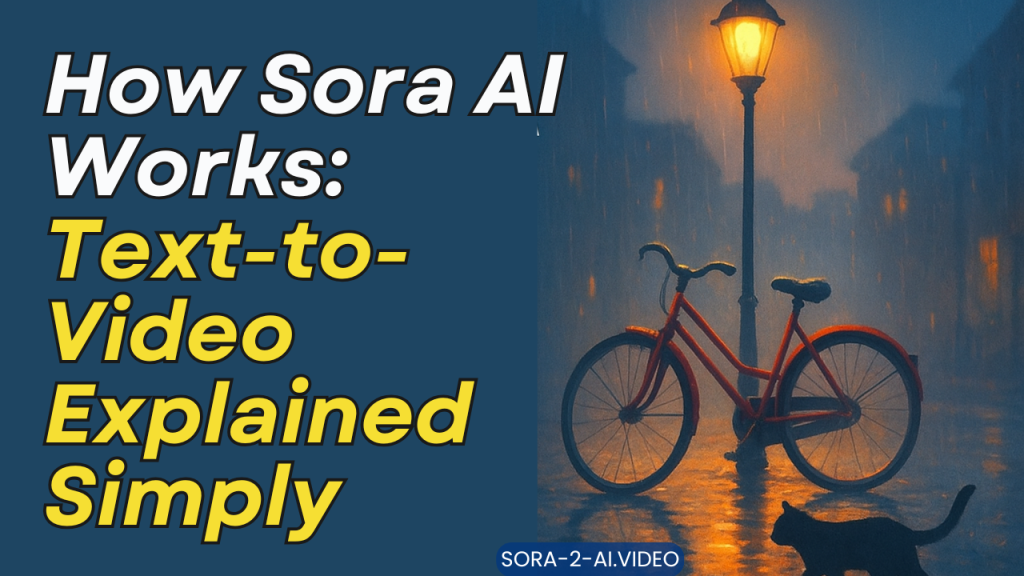
Imagine typing a short scene — “A red bicycle leans against a rain-soaked lamppost at dusk; a cat walks by, pausing to look at the reflection in a puddle” — and a few moments later a short video appears, complete with subtle camera movement, realistic lighting, and soft street noise. That’s the promise of text-to-video systems like Sora AI. This article breaks down, in plain language, how these systems convert words into moving images, what the major building blocks are, and where the technology shines — and still struggles.
What is Sora AI?
Sora AI is a name often used to describe modern text-to-video models: systems that take a textual prompt and generate short video clips. Under the hood, Sora AI combines advances from several fields — natural language processing (NLP), computer vision, generative modeling, and audio synthesis — into a single pipeline. The result is an automated way to produce visual stories from text without requiring traditional filmmaking skills.
The big idea: language → plan → pixels
At a high level, Sora AI follows three steps:
- Understand the text. The system parses your prompt to extract characters, objects, actions, and mood.
- Plan the scene. It creates a storyboard-like representation: camera angles, timing, object positions, lighting, and motion trajectories.
- Render the video. Using generative models, it produces sequences of frames with consistent style, then adds audio and final polish.
Think of it like directing a tiny virtual film crew that interprets your script automatically.
Step 1 — From words to understanding
The first challenge is language comprehension. Human language is flexible and ambiguous, so Sora AI uses large language models (LLMs) that have been trained on millions of text examples. These LLMs do more than simply read the prompt; they infer implicit details and fill in gaps.
For example, the prompt “a cozy kitchen in the morning” suggests soft warm lighting, steam from a kettle, and slow camera movement. The model converts such suggestions into structured data: objects (kettle, table), attributes (warm light, steam), and actions (steam rising slowly, camera panning). This structured output acts as a blueprint for the next stage.
Step 2 — Planning the scene (the storyboard)
Once the system has parsed the prompt, it needs to turn abstract ideas into a sequence of visual events. This planning stage resembles storyboarding. The system decides:
- Camera framing and motion: Where the virtual camera is placed, when it moves, and how it moves.
- Timing: How long each action or shot lasts.
- Object placement: Where objects and characters appear on screen and how they move relative to one another.
- Style and mood: Photorealistic, cartoon, cinematic, or stylized animation.
Modern Sora-like systems may use a separate “planner” model that outputs a sequence of keyframes or symbolic representations (e.g., “frame 0: kettle on stove, frame 20: steam visible”). This intermediate planning helps maintain temporal coherence, which is critical for believable video.
Step 3 — Generating frames and motion
Now comes the most computationally intensive part: producing the actual pixel sequences.
1. Frame generation
Generative image models (like diffusion models or GANs) are repurposed to create individual frames from textual and storyboard inputs. These models learn how to map the desired content and style to high-quality images. Early text-to-video systems simply generated a single frame and then duplicated or slightly altered it to create a clip; modern approaches generate full sequences with temporal awareness.
2. Ensuring temporal consistency
A core difficulty is consistency across frames. Objects must not jiggle unrealistically, shadows must follow lighting changes, and characters need coherent motion. Sora AI tackles this by conditioning the generation process on previous frames and on motion cues from the planner. Some systems represent motion explicitly — for example, as optical flow fields that guide how pixels shift between frames — while others use latent video diffusion, which models how a sequence evolves in a learned low-dimensional space.
3. Motion refinement and interpolation
After coarse frames are generated, refinement steps smooth motion and add micro-details: hair swaying, cloth folds, and camera lens artifacts. Interpolation algorithms can fill intermediate frames to increase frame rate and make movement fluid. These steps often use additional neural networks trained specifically for video temporal smoothing.
4. Audio and voice: more than visuals
Videos need sound. Sora AI often includes audio synthesis modules that generate ambient soundscapes, Foley effects (footsteps, doors), and character voices. For richer results, some setups let users provide specific audio assets, or they can generate music using models that compose short pieces consistent with the desired emotion (e.g., upbeat, melancholic).
5. Post-processing and polishing
Once visuals and audio are ready, a final post-processing pass improves realism and polish:
- Color grading to match a cinematic palette.
- Motion blur and depth-of-field to mimic camera optics.
- Noise reduction to remove generation artifacts.
- Compression optimization for delivery on web or mobile.
This stage is where most “professional-looking” touches appear, making the output feel intentional rather than synthetic.
How Sora AI stays coherent: memory and constraints
Sustaining narrative and visual coherence over multiple seconds (or minutes) requires memory. Sora AI uses contextual conditioning: each generated frame or latent state carries information forward so that characters retain consistent appearance, objects keep their positions, and lighting evolves smoothly. Additionally, constraint layers enforce rules — for example, a character’s eye color or height remains fixed across frames.
Strengths — what Sora AI does well
- Rapid prototyping: Create quick visual drafts from text without cameras or actors.
- Creative exploration: Test variations of scenes, styles, or camera moves in seconds.
- Accessibility: Lower the barrier for people who lack traditional filmmaking skills.
- Personalization: Generate tailored content for marketing, education, or social media.
Limitations — where Sora AI still struggles
- Long-form coherence: Generating long, multi-minute narratives with complex character interactions is still hard.
- Fine-grained accuracy: Hand gestures, text on objects, or intricate interactions can be inconsistent.
- Ethical and legal issues: Deepfakes, copyrighted characters, and misuse concerns are real.
- Resource demands: High-quality video generation requires powerful hardware and time, making real-time generation challenging.
Ethical considerations and safety
Text-to-video tools are powerful and can be misused. Responsible deployment includes content filters, watermarking generated media, and usage policies that restrict creating images of private individuals without consent. Developers and users should also be mindful of bias in training data that can skew representations of people or places.
Practical examples and use cases
- Marketing: Quickly produce ad variations tailored to different demographics.
- Education: Create short explainer animations from textual lessons.
- Entertainment: Prototype scenes for film or game concepts.
- Accessibility: Generate illustrative videos for people with reading difficulties.
A writer, for instance, could draft a scene and iterate on visuals until the mood matches the story. A teacher could turn a lesson summary into a short, illustrated video to help visual learners.
Tips for getting good results
- Be specific: The more precise the prompt, the better the planner can infer details.
- Include style cues: Mention “film noir,” “watercolor,” or “3D photorealistic” to guide aesthetics.
- Break complex ideas into steps: For multi-action scenes, describe them chronologically.
- Use reference images (if the system supports them) to lock appearance or colors.
The near future
Expect steady improvements: longer, more coherent clips; better audio-visual alignment; and tools that let humans guide the planner interactively (e.g., sketch a camera path or tweak a character’s costume). Integration with cloud rendering and more efficient models will also reduce the hardware barrier.
Conclusion
Sora AI-style text-to-video systems turn language into motion by combining language understanding, scene planning, generative frame rendering, and audio synthesis. They’re not magic, but rather engineering that stitches together multiple specialized models into a workflow that reads a prompt, plans a mini-film, and renders visuals and sound. The tech already enables impressive rapid prototyping and creative exploration, and with ongoing advances, it will keep getting more capable — while also demanding careful ethical guardrails. Whether you’re a marketer, educator, or storyteller, Sora AI opens a fascinating way to transform words into moving pictures; the trick is learning how to write prompts that the system can translate into the scenes you imagine.
faqs
1. What exactly is Sora AI?
Sora AI is a text-to-video system that generates short videos from written descriptions. By analyzing a prompt, it creates scenes, motion, and sometimes audio, turning words into realistic or stylized video clips without traditional filming.
2. How does Sora AI understand a text prompt?
It uses advanced language models trained on large amounts of text to interpret meaning, context, and intent. The system identifies objects, actions, style, and mood, then converts this information into a structured plan for video generation.
3. How does Sora AI keep videos smooth and consistent?
Sora AI relies on temporal modeling, which means each frame is generated with awareness of previous frames. This helps maintain consistent characters, lighting, and motion throughout the video, reducing flicker and unrealistic changes.
4. Can Sora AI create long videos or full movies?
Currently, it works best for short clips. While progress is being made, generating long, complex stories with perfect continuity remains a challenge due to technical and computational limits.
5. What are the main uses of Sora AI today?
Common uses include marketing videos, educational explainers, creative storytelling, concept previews for films or games, and social media content where quick, visually engaging videos are needed.